

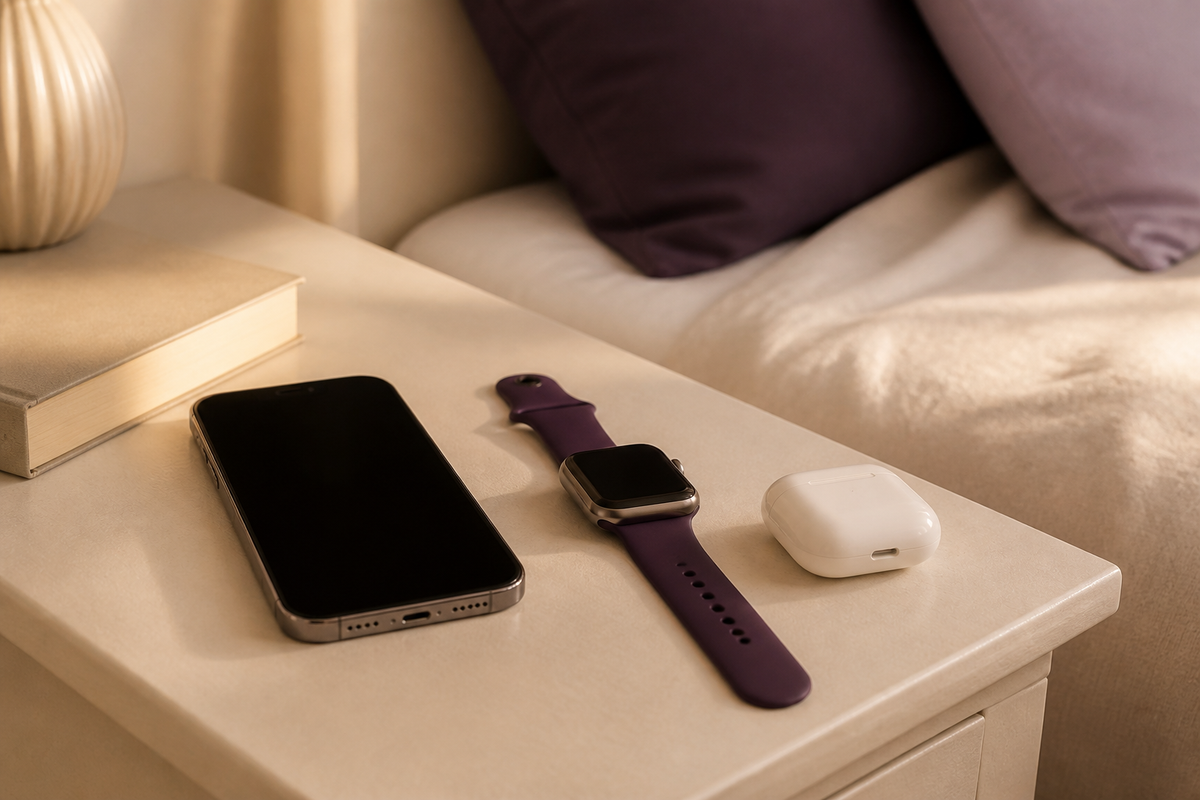
Your phone is beside the bed, your watch is charging across the room and your earbuds are still in your work bag. A 3-in-1 wireless charger can give compatible devices a shared place to charge. The useful question is whether a particular station fits your exact devices and the way you use them.
Quick answer: choose a 3-in-1 charging station by checking the phone model, watch model and earbud charging case separately. Then check the required power adapter, the space it needs and whether its extra features will be useful beside your bed. The phrase “3-in-1” describes the charging layout, not universal compatibility.
Use this guide to build a shortlist around your evening routine, without getting lost in a wall of specifications.
Start with the devices you actually own
Before comparing chargers, make a short note on your phone: your handset model, your watch model, your earbud case version and the phone case you normally use. Keep that note open while you shop. It turns a vague search for the best charging station into a much more useful question: which setup supports these items?
Your phone and its case
Check the handset’s own specifications for wireless charging support, then match it to the charger’s stated compatibility. If you want a magnetic stand, also check the phone and case support the intended magnetic attachment. Do not assume a magnetic-looking accessory provides every charging feature you need.
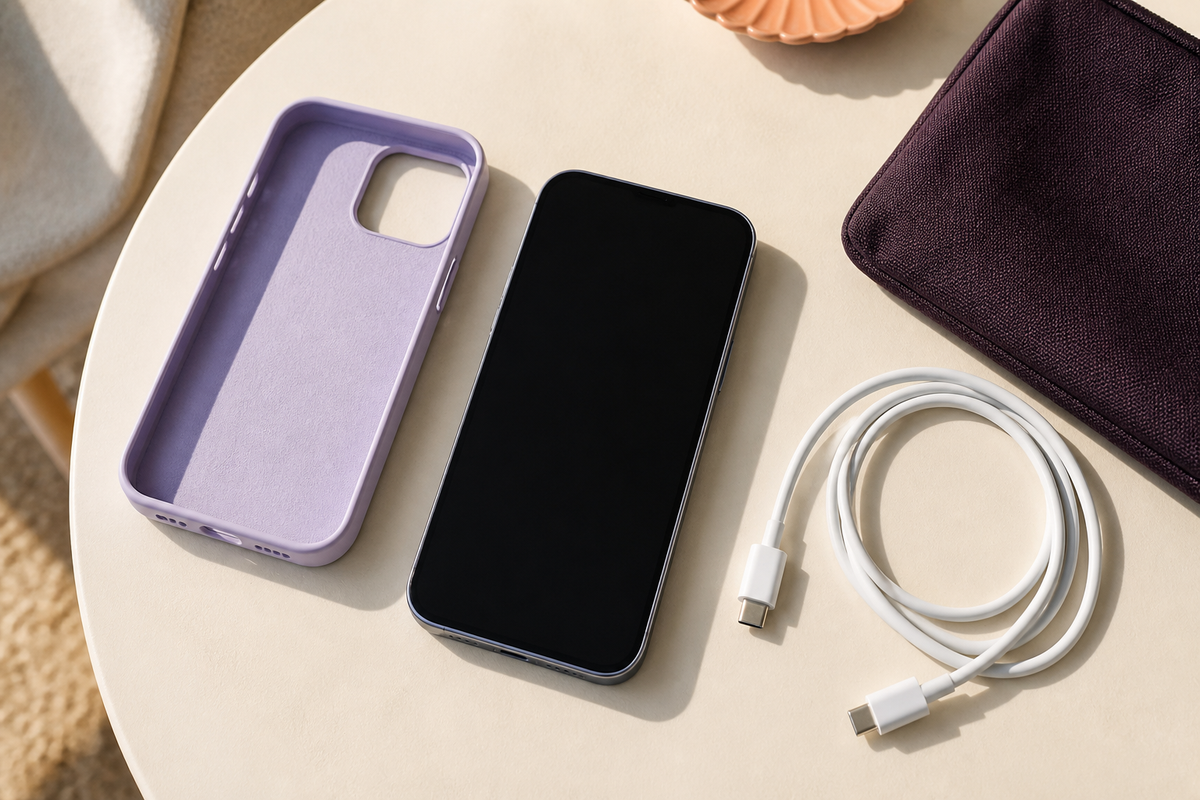
A case is part of the setup, not an afterthought. Apple advises removing certain thick, metal or battery cases when wireless charging is not working properly. Keep cards and other objects out from between the phone and charging surface. See Apple’s wireless charging guidance.
Your Apple Watch
Look for a dedicated watch charging position and explicit support for your exact watch model. A phone charging surface does not establish watch compatibility. Apple’s instructions describe charging Apple Watch with its magnetic charger or a compatible third-party charger. Consult Apple’s watch charging guide when checking your setup.
Also consider how your watch strap sits. A photograph showing a different watch or strap is not a substitute for checking how your own device will rest on the charging position.
Your AirPods or other earbuds
Check the charging case, not just the earbud name. Apple distinguishes cases that support wireless charging from cases charged by cable. Its AirPods charging instructions explain how to charge the different case types. For other brands, use the case manufacturer’s instructions and the charging station’s compatibility information.
Look beyond the headline charging claims
Once compatibility is clear, check what powers the station. Wireless describes the connection to a compatible device; the charging station still needs its specified external power supply. Check whether the required adapter and cable are included, and add any missing items to your buying list before comparing the total cost.
For example, ONDYRA’s 3-in-1 Wireless Charging Station with Alarm Clock listing states that its required QC3.0 adapter is not included. Its variants also differ, so read the selected version rather than assuming every option has the same charging specification.
If Qi or Qi2 certification matters to your purchase, verify the exact model rather than relying on the appearance of a badge. The Wireless Power Consortium’s certified product database lists certified products. This guide does not establish certification for ONDYRA’s range.
Choose the layout around your bedside routine
Picture the last few minutes before bed. Do you want your phone upright where you can glance at it? Would a separate clock be useful? Is there space for your book and glasses once all your devices are in position?
- For a shared device spot: compare the Compact 3-in-1 Magnetic Charging Stand. Its watch and earbud pads retract when not in use. Check compatibility before choosing it.
- For charging and a clock together: consider the multi-device clock station, or the Bedside Wireless Charging Stand with Alarm Clock if your priority is charging a compatible phone beside a clock.
- For a phone or compatible earbud case alone: a Slim Wireless Charging Pad may suit a simpler routine. You do not need extra charging positions just because they are available.
Measure the usable surface, including the space around the devices. Think about where the power cable will run and whether your usual case or watch strap makes the setup awkward. If you intend to pack the charger, confirm its actual storage shape. Retracting side pads do not mean a stand folds flat.
Your pre-purchase checklist
- My exact phone, watch and earbud case are supported.
- My phone case suits the charger and any magnetic attachment.
- I know which power supply and cable are required.
- I have checked what is included with my selected version.
- The station fits where I plan to use it.
- I understand which features apply to the version I am buying.
If an answer is missing, ask before ordering. A charger should make your routine easier, not leave you guessing about another accessory.
Common questions
Can a 3-in-1 charger charge any 3 devices?
Do not assume so. The charging positions may be intended for specific device types. Confirm the stated combination, rather than treating the station as 3 interchangeable phone chargers.
Is a 3-in-1 charger worth it if I only charge my phone?
Its main practical appeal is bringing several compatible devices together. If you only need a phone charging spot, compare a single pad or stand first and spend on features you will actually use.
What if my phone is already struggling to charge wirelessly?
Check the current setup before replacing it. Our wireless charger troubleshooting guide walks through power, placement and case checks.
Ready to give your devices a place to land? Explore ONDYRA’s charging essentials and match the product details to your device list. Ready for your kind of day.

Leave a comment
This site is protected by hCaptcha and the hCaptcha Privacy Policy and Terms of Service apply.